Platform capability
BIM and common data environment
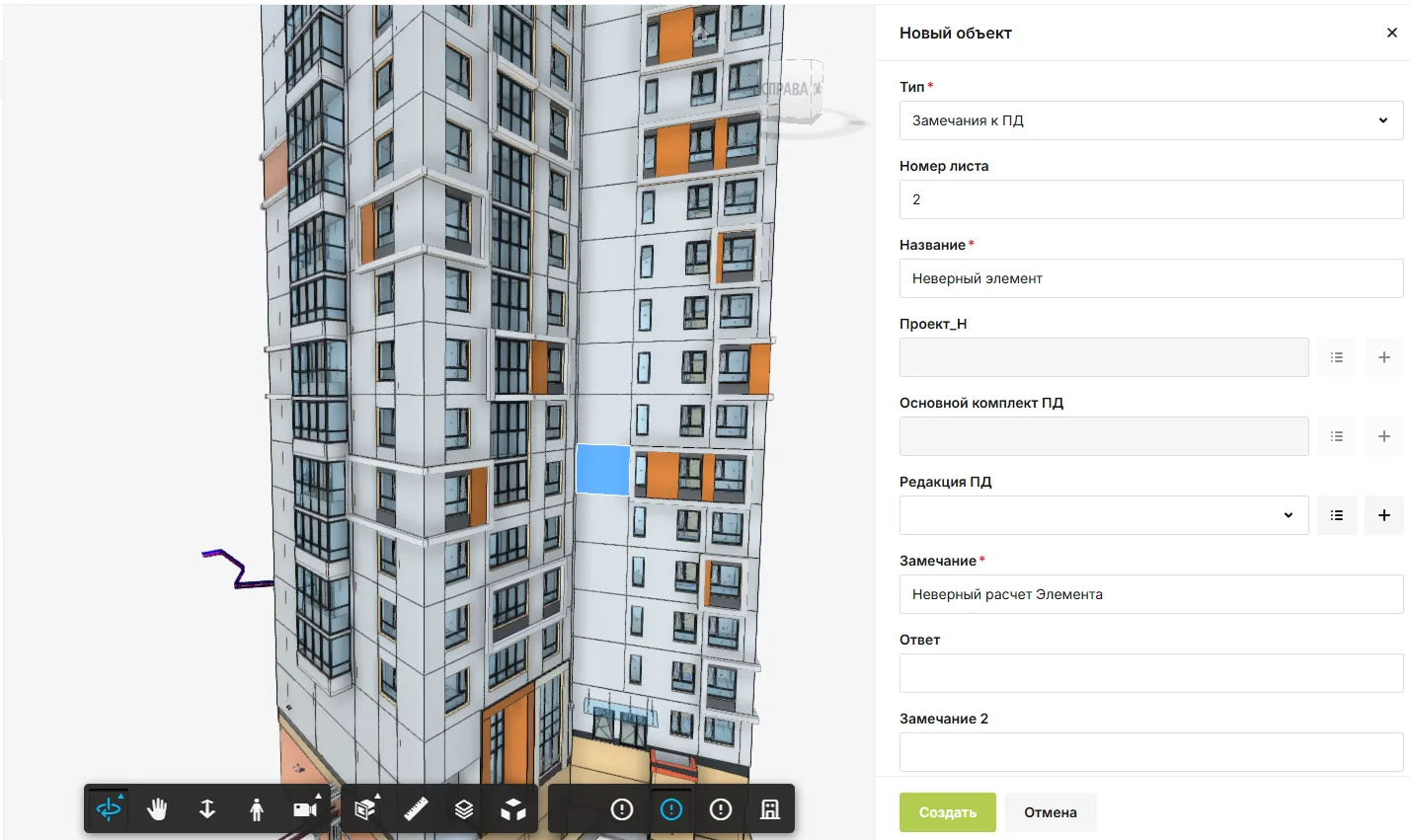
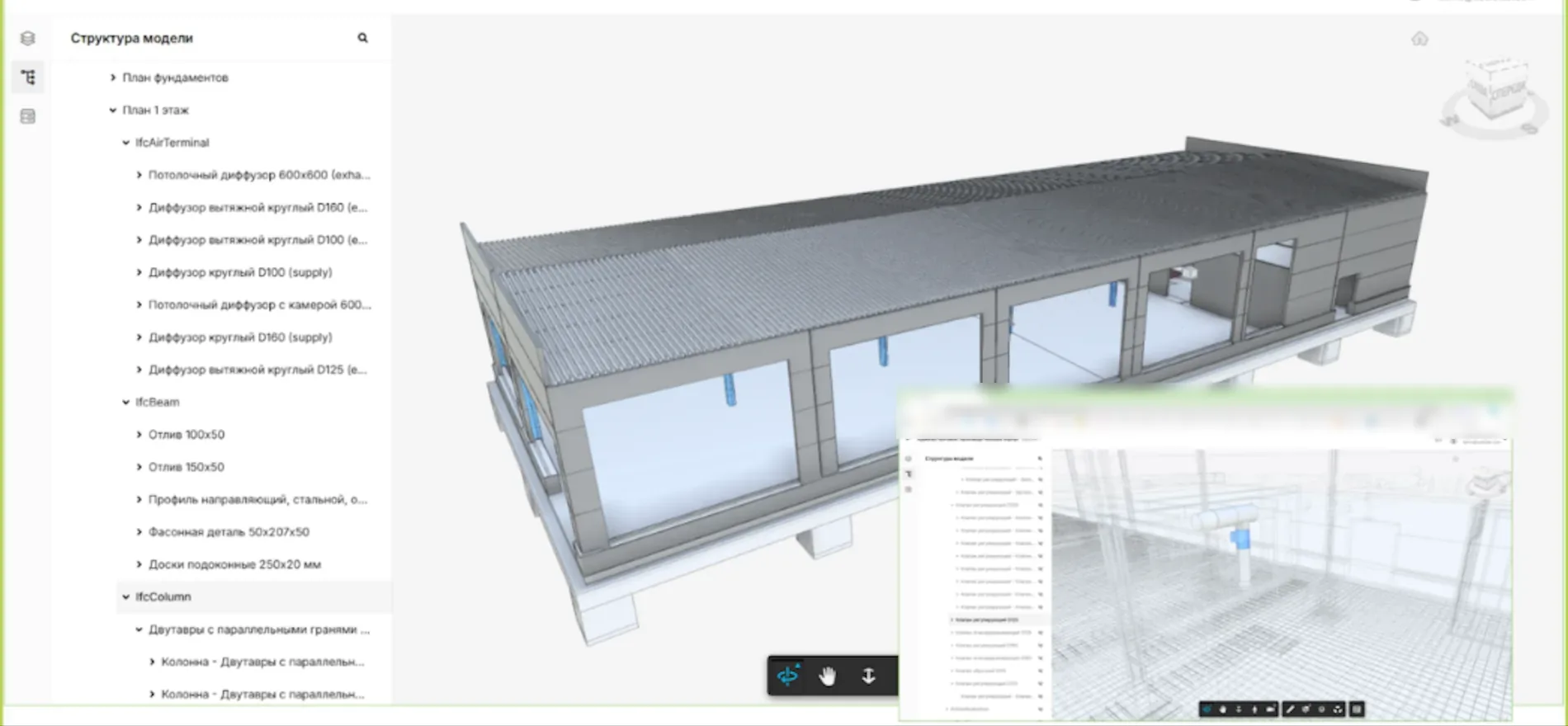
Open BIM models inside SODIS 360 and connect individual elements to documents, work, tasks and issues. Everyone works from the same model context while seeing the records relevant to their role.
Connected work
Make the model useful in daily work
Use a model element as a route to the document, issue or activity that needs a decision.
- Explore the modelNavigate the building or system model and inspect the elements involved in a question.
- Link records to elementsAssociate a model element with design documents, site work, comments and tasks.
- Review status in contextSee how related records and work change without losing the location of the element.
In SODIS 360
What your team can do
These actions use the records and responsibilities already connected in the platform.
Explore the model
Navigate the building or system model and inspect the elements involved in a question.
Link records to elements
Associate a model element with design documents, site work, comments and tasks.
Review status in context
See how related records and work change without losing the location of the element.
Work across disciplines
Give authorised designers, contractors and operators the context they need at their stage.
Connected capabilities
Works with the rest of your project
Open the functions that add context before or after this step.
Technical document control
Keep design and construction document sets together with their revisions, status, review history and comments. Teams can see the current version and what remains to be agreed before issue.
Tasks and assignments
Create assignments with owners, participants, reviewers, deadlines and discussion. Link each task to the document, asset, company or service request that explains why the work is needed.
Preventive maintenance
Create recurring maintenance tasks from approved schedules, equipment types and service instructions. Technicians see the checklist and context for each task; managers see what was completed, where and by whom.
Next step
See this capability in your workflow
Tell us what your team needs to manage. We can discuss the records, roles and steps needed for a useful configuration.