AI and automation
Put AI to work with the right project context
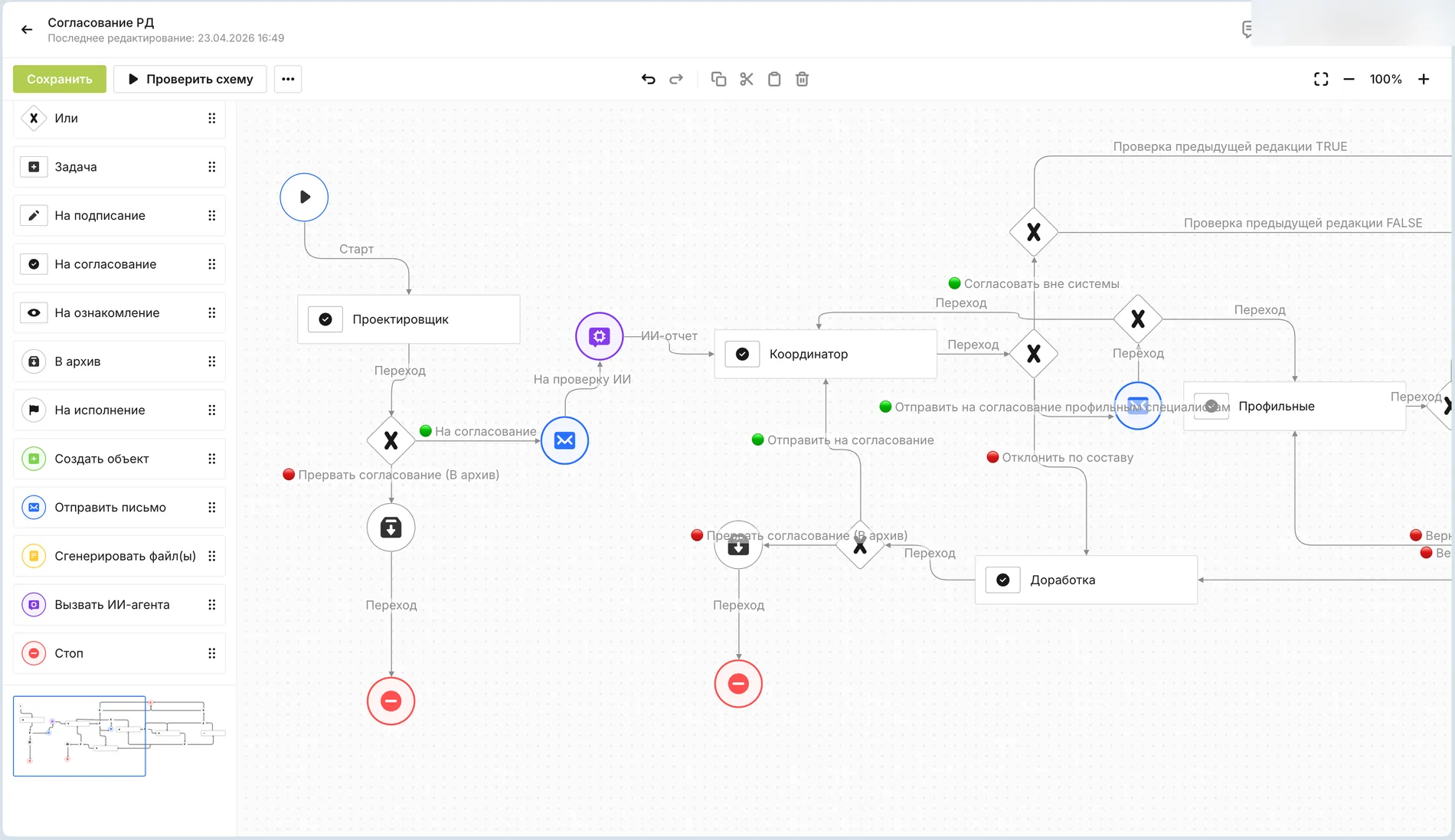
AI can analyse connected information, prepare a response or task, and support a defined step in a workflow. Access and actions remain within the permissions set for the process.
Connected work
Ask a question that crosses document boundaries
A useful agent needs more than one isolated file. With access to connected data, it can help find discrepancies, prepare follow-up tasks and give a reviewer the records behind its suggestion.
- AnalyseRead permitted documents and process history.
- PrepareDraft a response or task for the responsible person.
- ReviewKeep approvals and critical decisions with authorised staff.
Practical uses
Three ways AI can help
Use the approach that fits the task and the maturity of your configuration.
Inside a workflow
Review documents, find discrepancies and prepare follow-up for responsible people.
External agents through MCP
Connect an external agent to permitted platform data and actions where the integration is configured.
Governance
Keep people in control
AI output is a proposal or an authorised workflow action, not a substitute for accountable decisions.
Defined permissions
The agent works with the data and actions granted to its role.
Human approval
Authorised staff review critical changes, document approvals and financial decisions.
Next step
Discuss an AI task with real project context
Start with the data, permissions and human review required for a useful agent workflow.